



SaleDeal
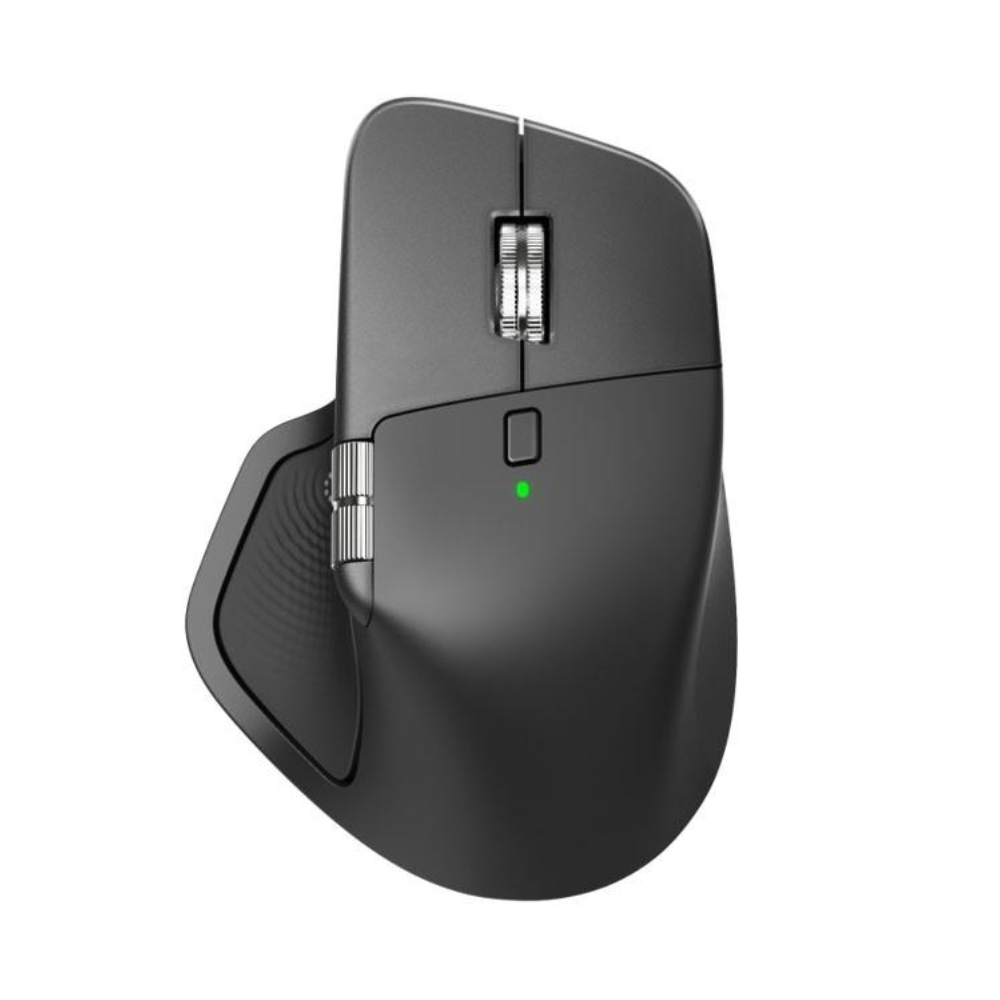
Logitech MX Master 4
Original price was: KSh 17,000.00.KSh 16,000.00Current price is: KSh 16,000.00.
- Sensor: 8,000 DPI Darkfield High Precision (Glass Tracking)
- Scrolling: MagSpeed™ Electromagnetic Wheel (1,000 lines/sec)
- Haptics: Customizable Haptic Feedback on specific actions
- Shortcuts: On-screen Actions Ring & Gesture Button
- Buttons: 8 Programmable Buttons
- Connectivity: Logi Bolt USB Receiver + Bluetooth Low Energy (2x stronger signal)
- Battery: 70 Days (Full Charge) / 3 Hours (1-Minute Quick Charge)
- Charging: USB-C Rapid Charging
- Multi-Device: Connect up to 3 devices (Flow enabled)
- Weight: 150g (Solid, premium feel)
- Prices and offers are subject to change without notice.
- Fast Delivery in Nairobi – Within 2 Hours.
- Reliable Nationwide Delivery – Within 24 Hours.
Recommended Accessories
View All
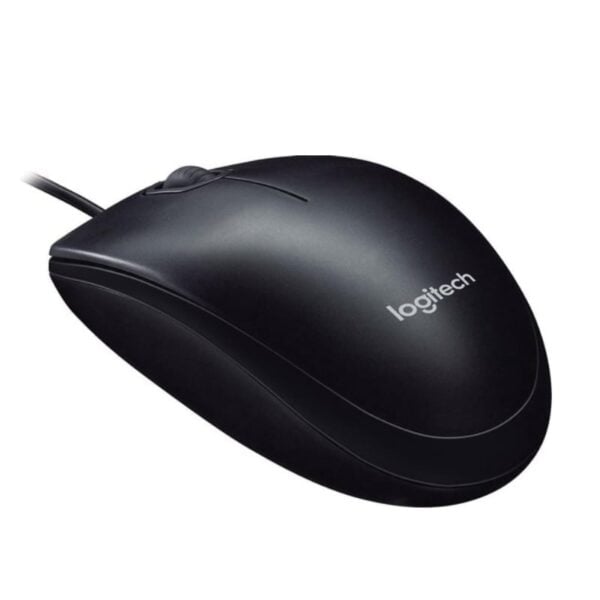
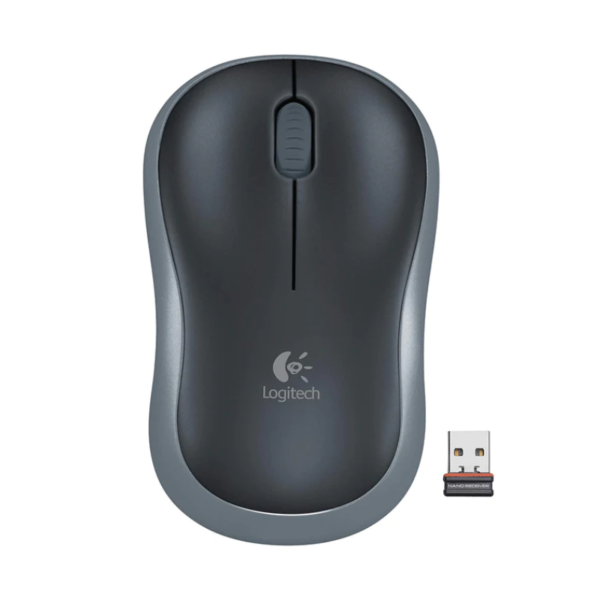

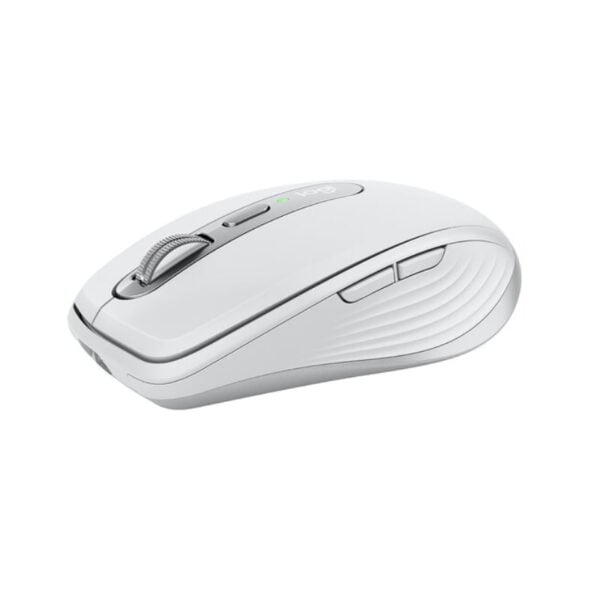
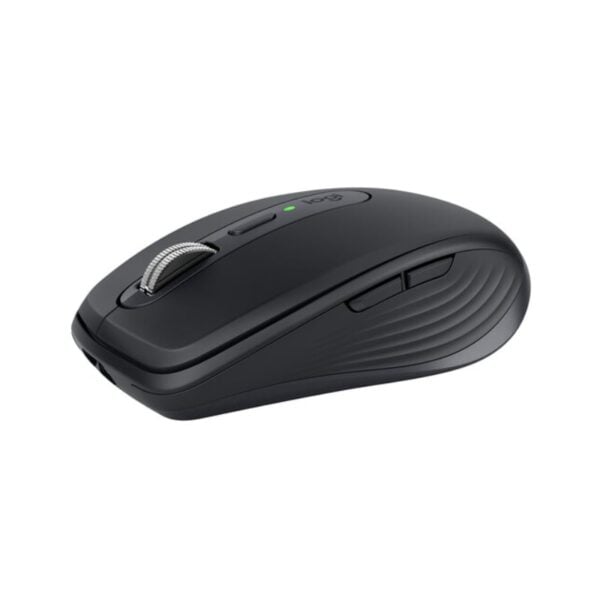
Logitech MX Master 3S
Original price was: KSh 15,000.00.KSh 13,500.00Current price is: KSh 13,500.00.
Add to Cart
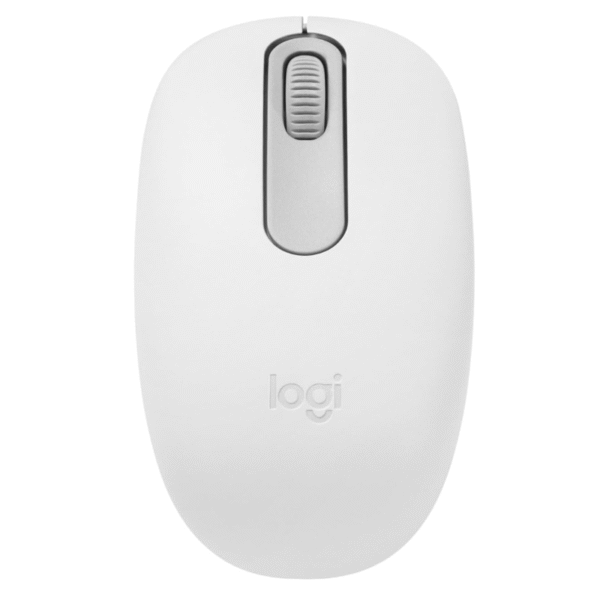
Logitech M196 Bluetooth Mouse
Original price was: KSh 2,200.00.KSh 2,000.00Current price is: KSh 2,000.00.
Add to Cart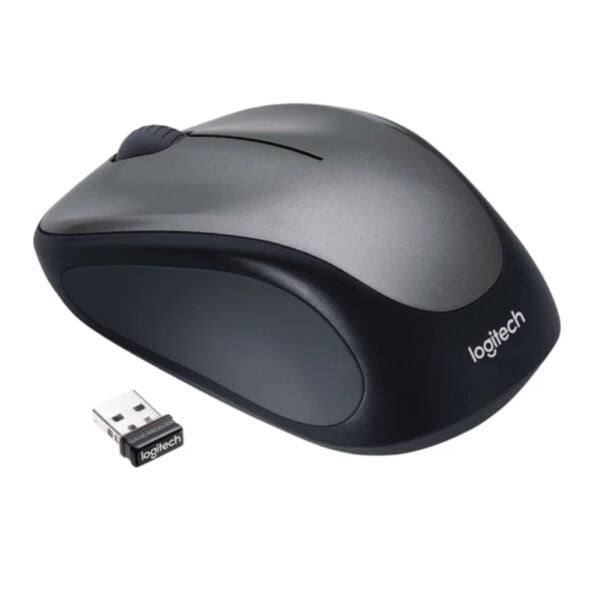
Product details
Logitech MX Master 4 Price in Kenya
The Logitech MX Master 4 price in Kenya is KSh 16,000. This is not just an upgrade; it is the new ceiling for professional productivity. If the MX Master 3S was the king, the MX Master 4 is the god-emperor. It introduces a Haptic Sense Panel and an Actions Ring, transforming the mouse from a simple pointer into a complete command center that physically confirms your digital actions with subtle vibrations. Speed is the currency of the modern Nairobi professional, and this mouse mints it. The new Actions Ring brings your most-used tools (like copy, paste, or brush size) directly to your cursor, reducing hand movement by up to 63%. Combined with the legendary MagSpeed™ Wheel that scrolls 1,000 lines per second, you can tear through 50-page contracts or thousands of lines of code in seconds.
The connectivity has been rebuilt from the ground up. With a new radio chip and improved antenna, the MX Master 4 offers 2x stronger connectivity than its predecessor, solving the interference issues common in crowded office buildings like Britam Tower or UAP Old Mutual. It tracks on any surface—even the clear glass tables at your favorite Kilimani coffee shop—thanks to the 8K DPI Darkfield sensor. Buy it today at Exelic Gadgets. This is the ultimate tool for the C-Suite executive, the Senior Developer, and the Creative Director. Order now for same-day delivery to your office in Westlands or Upper Hill, or get it shipped via Wells Fargo to Mombasa, Kisumu, and Eldoret.
Why You’ll Love It (The Lifestyle Upgrade)
- The “Actions Ring” HUD: Access a customizable ring of shortcuts right at your cursor, so that you stop wasting time hunting through menus and keep your focus on your work.
- Haptic Confirmation: The Haptic Sense Panel vibrates slightly when you complete an action, so that you “feel” your productivity, adding a tactile layer to digital tasks like snapping windows or adjusting sliders.
- Glass-Ready Tracking: The 8K DPI Darkfield sensor tracks on clear glass (min 4mm), so that you can work from a fancy glass boardroom table or a coffee shop without needing a mousepad.
- MagSpeed™ Scrolling: The electromagnetic wheel scrolls 1,000 lines per second in silence, so that you can fly through massive Excel sheets or codebases instantly, then stop on a single pixel.
- Zero-Interruption Power: The battery lasts 70 days, and a 1-minute charge gives 3 hours of use, so that even if you forget to charge it before a client presentation, a quick plugin while you grab coffee saves the day.
- Silent Authority: The clicks are 90% quieter than standard mice, so that you maintain a professional, distraction-free environment in open-plan offices or late-night home setups.
Logitech MX Master 4 Specifications
| Category | Feature | Details |
| Price | Price in Kenya | Ksh 16,000 |
| Dimensions & Weight | Height | 128.15 mm |
| Width | 88.35 mm | |
| Depth | 50.8 mm | |
| Weight | 150 g | |
| Sensor | Technology | Darkfield™ High Precision |
| Nominal Value | 1000 DPI | |
| DPI Range | 200-8000 DPI (Adjustable in 50 DPI increments) | |
| Buttons & Scroll | Number of Buttons | 8 |
| Scroll Wheel | Yes, MagSpeed™ wheel with Smart Shift | |
| Horizontal/Thumb Wheel | Yes | |
| Gesture Button | Yes | |
| General Features | Haptic Feedback | Supported on Actions Ring, Smart Actions, Gestures |
| App Support | Logi Options+ (Customize), Basic support in Logi Tune | |
| Supported Plugins | Adobe Photoshop, Lightroom Desktop, Zoom, Premiere Pro (Coming Oct) | |
| Battery & Power | Battery Type | Rechargeable Li-Po (650 mAh) |
| Battery Life | Up to 70 days on a full charge | |
| Charging | USB-C Quick Charging | |
| Connectivity | Connection Type | Wireless (Bluetooth Low Energy 5.1 & Logi Bolt) |
| Wireless Range | 10 meters | |
| Receiver Compatibility | Compatible with both USB-C and USB-A Logi Bolt receivers | |
| System Requirements | Bluetooth | Windows 11+, macOS 13+, Linux, ChromeOS, iPadOS 15+, Android 12+ |
| Logi Bolt USB Receiver | Requires USB-C or USB-A Port; Windows 10/11+, macOS 13+, Linux, ChromeOS |
Deep Dive: The Tech Explained
Haptic Sense Panel (Touch the Digital)
The MX Master 4 bridges the gap between the physical and digital worlds. It uses a specialized haptic engine to provide subtle vibrations when you perform specific actions—like snapping a window to a grid, reaching the end of a document, or switching desktops.22 This isn’t just a gimmick; it builds muscle memory. You don’t just see that you’ve adjusted a slider in Lightroom; you feel the increments, giving you surgical precision without looking away from your content.
The Actions Ring (Your On-Screen Command Center)
Imagine having a toolbox that floats right where your hand is. The Actions Ring is a customizable digital overlay that appears at your cursor when you press a designated button. It holds your most-used commands—Copy, Paste, Zoom, Brush Size, or specific formulas in Excel. This eliminates the micro-seconds wasted moving your mouse to the top toolbar menu hundreds of times a day. Over a year, this feature alone saves hours of pure work time.
MagSpeed™ Electromagnetic Scrolling
This is the feature that makes once you go Logitech, you never go back. The scroll wheel is machined from solid steel and uses electromagnets to control resistance. It has two modes: Ratchet (feel every click for precision) and Free Spin (flick it to scroll silently at 1,000 lines per second). It’s fast enough to scroll from row 1 to row 10,000 in Excel with a single flick, yet precise enough to stop exactly on the cell you need.
8K DPI Darkfield™ Sensor
Standard optical mice use light reflection to track movement, which fails on glass because the light passes right through. The Darkfield sensor is different—it tracks microscopic dust and imperfections on the surface. With 8,000 DPI sensitivity, it works flawlessly on clear glass tables (minimum 4mm thick) often found in high-end Nairobi offices or hotel lobbies. It also means you need less desk space; a tiny movement of your hand can move the cursor across dual 4K monitors.
Logi Bolt & Dual Connectivity
Interference is the enemy of wireless mice, especially in office buildings packed with hundreds of Bluetooth devices. The MX Master 4 uses the new Logi Bolt protocol (via the included USB dongle), which is encrypted and designed to cut through congested wireless environments. It provides a connection that is 2x more stable than the previous generation. Alternatively, you can use Bluetooth Low Energy to connect to your iPad or MacBook without the dongle.
Flow Cross-Computer Control
If you are a power user with a PC desktop and a MacBook laptop, Flow is magic. It lets you move your mouse cursor off the edge of one screen and onto the other, seamlessly switching control between computers. You can even copy text or files on one computer and paste them onto the other. No emailing files to yourself, no flash drives. It works across Windows and macOS, making your two computers act like one super-system.
Who Is This Perfect For?
- The “C-Suite” Executive: You review long contracts, financial reports, and strategy documents. The MagSpeed scroll wheel and premium ergonomics command respect and efficiency.
- The Senior Developer: You navigate thousands of lines of code. The Actions Ring gives you instant access to your snippets, and the vertical/horizontal scrolling is essential for wide codebases.
- The Creative Professional: Video editors (Premiere) and Designers (Photoshop) who need the pixel-perfect precision of 8K DPI and the tactile feedback of the haptic engine for adjustments.
Alternatives & Competitors
- Logitech MX Master 3S
- Logitech MX Vertical (Ergonomic Focus)
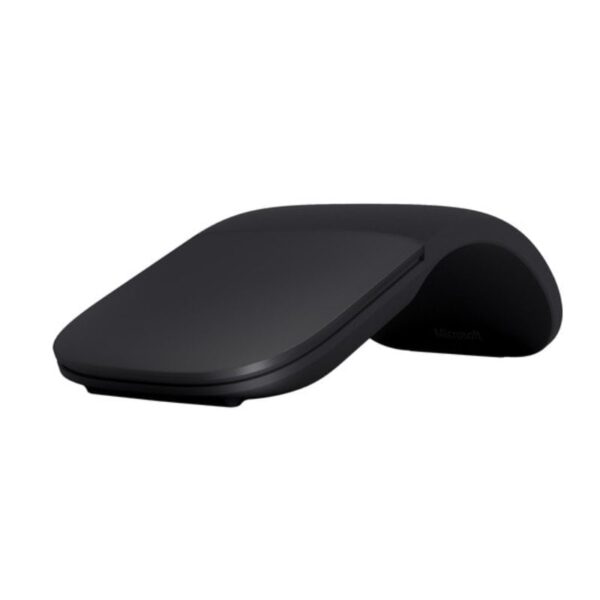
- Microsoft Arc Wireless Mouse
- Logitech G502 Lightspeed Mouse
Frequently Asked Questions (FAQs)
- Q: Does it come with a charging cable? A: No. In a move towards sustainability and reducing e-waste, Logitech does not include a USB-C cable in the box. You can charge it using any standard USB-C cable (like your phone or laptop charger).
- Q: Is it worth upgrading from the MX Master 3S? A: If you rely heavily on shortcuts and work in a busy wireless environment, Yes. The Haptic feedback, Actions Ring, and improved connectivity (Logi Bolt) are significant upgrades. If you just need a good mouse, the 3S is still excellent.
- Q: Does it work with Mac? A: Yes, it is fully compatible with macOS and iPadOS via Bluetooth. You can customize the buttons and gestures using the Logi Options+ software for Mac.
- Q: How do I switch between devices? A: There is an “Easy-Switch” button on the bottom of the mouse that lets you toggle between 3 paired devices (e.g., Desktop, Laptop, Tablet) instantly.
- Q: What is “Logi Bolt” and do I need it? A: Logi Bolt is the new USB receiver included in the box.42 It offers a more secure and stable connection than standard Bluetooth. We recommend using it for office environments to avoid lag, but Bluetooth works fine for home use.
Buy the latest mouse in Kenya at Exelic Gadgets.
Customers Reviews
Related products


Kelvin Njoroge –
Love the mouse, thank you for the fast delivery.
Ranjit –
Thank you for the quick delivery