

Product details
Logitech Ergo M575 Wireless Trackball Price in Kenya
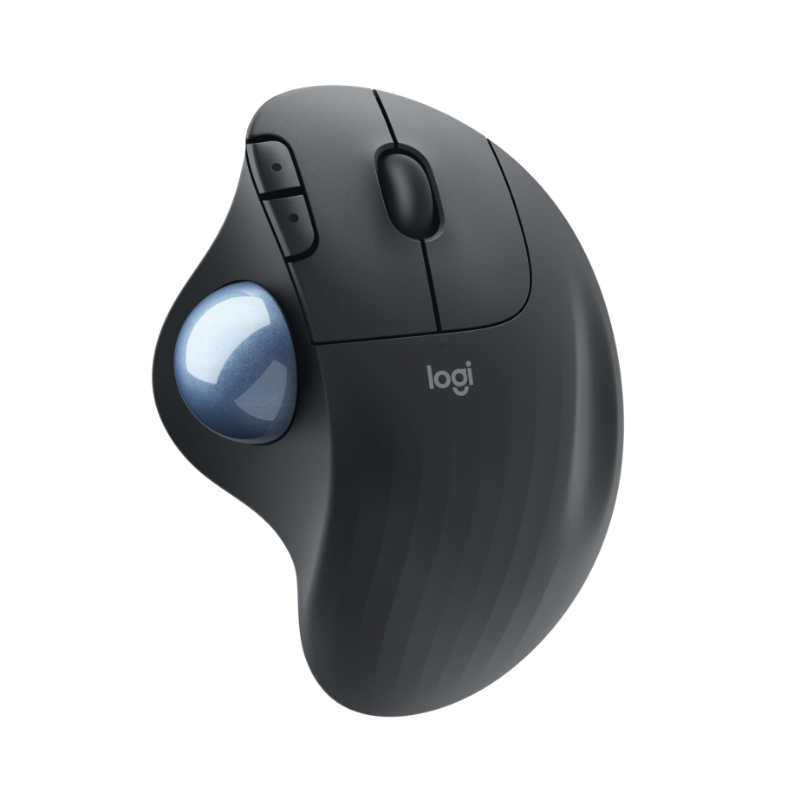
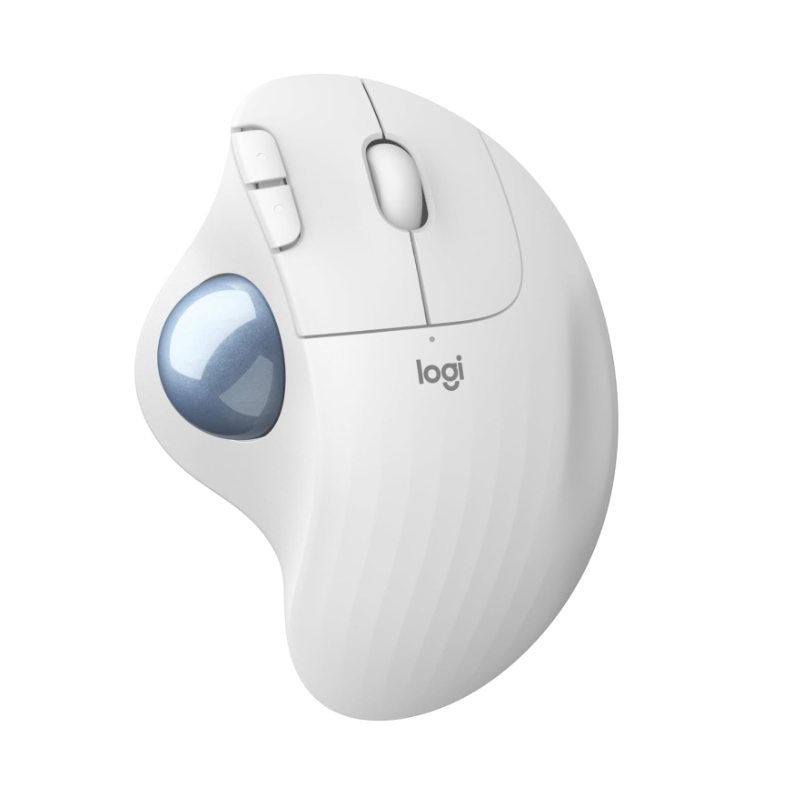
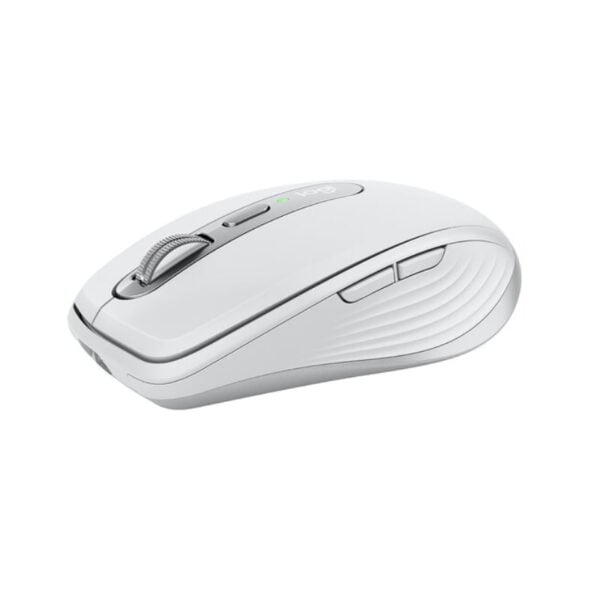
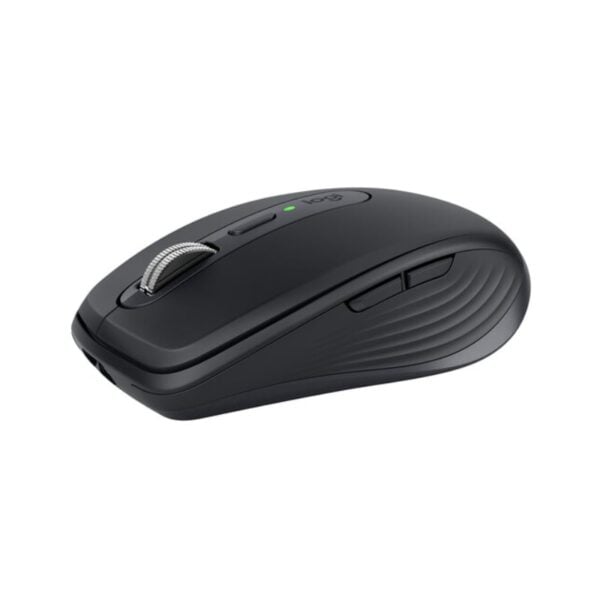
The Logitech Ergo M575 price in Kenya is Ksh 6,500 at Exelic Gadgets. This mouse is a total game-changer for Nairobi’s desk warriors who are tired of the “claw grip” and nagging wrist fatigue. Unlike a traditional mouse that forces you to slide your arm across the desk all day, the M575 stays stationary, putting total control in your thumb.
At this price point, you are investing in long-term health and workspace efficiency. It is scientifically designed to reduce muscle strain by 25% compared to a standard mouse, making it the perfect companion for long coding sessions or administrative marathons. Whether you are working from a tiny coffee shop table in Westlands or a cluttered home office, its zero-footprint design fits anywhere
The standout lifestyle upgrade here is the freedom of movement—or rather, the lack of it. Because the mouse doesn’t move, you can use it on your bed, on a sofa, or even on a stack of files without losing an ounce of precision. It’s the ultimate tool for those who value comfort as much as productivity.
Buy the Logitech Ergo M575 today at Exelic Gadgets. We provide same-day delivery within Nairobi and reliable shipping via Wells Fargo or G4S for customers in Mombasa, Nakuru, Eldoret, and across Kenya. Upgrade your desk setup now with M-Pesa for a quick and secure transaction.
Why You’ll Love It (The Lifestyle Upgrade)
- Zero-Movement Navigation: The stationary design means you only move your thumb, so that you eliminate the repetitive arm and shoulder strain caused by dragging a traditional mouse.
- Compact Desk Freedom: Since the device never moves, it requires zero “slide room,” so that you have more space for your coffee, notebook, or phone on even the smallest desks.
- Ergonomist-Approved Shape: The sculpted ergonomic form supports your entire palm naturally, so that your hand stays relaxed even during 8-hour workdays.
- Surface-Independent Tracking: The high-performance optical sensor works on any surface, so that you can work comfortably from your lap, a wooden table, or even your bed.
- Dual Wireless Connectivity: Connect via Bluetooth Low Energy or the included Logi Bolt USB receiver, so that you can switch between your laptop and tablet seamlessly.
- Legendary Battery Life: A single AA battery lasts up to 24 months, so that you can forget about charging cables and low-battery anxiety for up to two years.
Logitech Ergo M575 Specifications
| Feature | Details |
| Price | Ksh 6,500 |
| Connection Type | Bluetooth + 2.4GHz USB Receiver |
| Tracking Method | Thumb-operated Trackball |
| Max DPI | 2000 DPI |
| Customizable Buttons | 3 (using Logi Options+) |
| Battery Life | Up to 2 years |
| Compatibility | Windows, macOS, iPadOS, ChromeOS, Linux |
| Ergonomic Certification | US Ergonomics Certified |
| Click Type | Quiet, tactile clicks |
| Scroll Wheel | Precision mechanical wheel |
| Weight | 145g (including battery) |
| Warranty | 1 Year Limited Hardware |
Thumb-Controlled Precision
Traditional mice rely on your wrist and elbow to move the cursor. The Ergo M575 flips this by using a high-performance optical sensor focused on the trackball itself. Think of it like a high-end joystick for your thumb; you rotate the ball to move the cursor. In the context of a busy Nairobi office, this means you aren’t constantly bumping into your keyboard or coffee mug while trying to navigate a large spreadsheet.
RightLight & Power Efficiency
Logitech has optimized the optical sensor to consume minimal power while maintaining high precision. While many wireless mice die within months, the M575 manages its energy so well that a single AA battery can last for two years. This is critical for users in areas where specialized batteries aren’t always easy to find—you can just pop in a standard Duracell or Energizer and you’re good until 2028.
Seamless Multi-OS Integration
Whether you are using a professional Windows workstation, a MacBook Pro, or an iPad for mobile work, the M575 adapts instantly. It uses Bluetooth Low Energy (BLE), which is designed to save your device’s battery life while providing a lag-free connection. It’s as easy as pairing a set of Bluetooth earphones; once connected, it stays remembered across your devices.
Sculpted for the Human Hand
Logitech’s Ergo Lab spent years studying the “resting position” of the human hand. The M575 is shaped so that when you lay your hand on it, your fingers naturally fall onto the buttons and your thumb rests perfectly on the trackball. This “handshake” position reduces the twisting of your forearm (pronation), which is the leading cause of carpal tunnel syndrome and wrist pain among Kenyan IT professionals.
Logi Options+ Customization
The hardware is only half the story. By installing the Logi Options+ software on your PC or Mac, you can customize the “Back” and “Forward” buttons to perform specific tasks. For example, you can set them to “Copy” and “Paste,” or to open specific apps like WhatsApp or Excel. You can also adjust the “pointer speed” to make the trackball more or less sensitive depending on whether you are doing detailed design work or fast browsing.
Sustainable Engineering
Logitech is moving toward a greener future, and the M575 is a leading example. The graphite model is made with 52% recycled plastic. This doesn’t affect the durability—the mouse is still built to withstand 10 million clicks—but it does mean your tech upgrade is better for the planet. For the environmentally-conscious consumer in Nairobi, it’s a purchase you can feel good about.
Who Is This Perfect For?
- The Data Analyst at Equity Bank: You spend your day in massive Excel workbooks. The trackball allows you to fly across columns without your wrist ever touching the desk.
- The Creative Freelancer in a Small Studio: Working from a cramped desk in a shared office? The stationary M575 means you don’t need a massive mousepad to get your work done.
- The Remote Student at UoN: Studying from your bed or a small hostel desk? The M575 works perfectly on uneven surfaces like blankets or carpets, unlike traditional laser mice.
Alternatives & Competitors
- Logitech MX Ergo: The “Pro” version. Features a tilt hinge for adjustable angles but is twice the price.
- Logitech Lift: A vertical mouse. Better if you prefer moving your whole arm but want a handshake grip.
- Kensington Orbit: A finger-operated trackball. Centered design but lacks the ergonomic palm support of the M575.
- Logitech M650: Standard mouse shape. Cheaper, but requires full arm movement for tracking.
Frequently Asked Questions (FAQs)
1. How do I clean the trackball if it gets sticky?
It’s very easy! You can pop the ball out from the bottom using a pen or your finger. Just wipe the ball and the three internal sensors with a dry cloth to keep it gliding smoothly.
2. Is it hard to learn how to use a trackball?
Most users get the hang of it within a few hours. After two days, it feels more natural than a standard mouse because your arm doesn’t have to do any work.
3. Does it work with the iPad?
Yes! The M575 connects perfectly to iPadOS via Bluetooth, making it a great tool for those who use their tablets for work or school.
4. How long is the delivery to Mombasa?
For orders outside Nairobi, we ship via Wells Fargo or G4S. You can expect your package within 24 to 48 hours of placing your order.
5. What happens if the battery dies?
The mouse uses a single standard AA battery. When the battery is low, the LED indicator on top will turn red, giving you plenty of time to swap it out for a new one.


There are no reviews yet.