



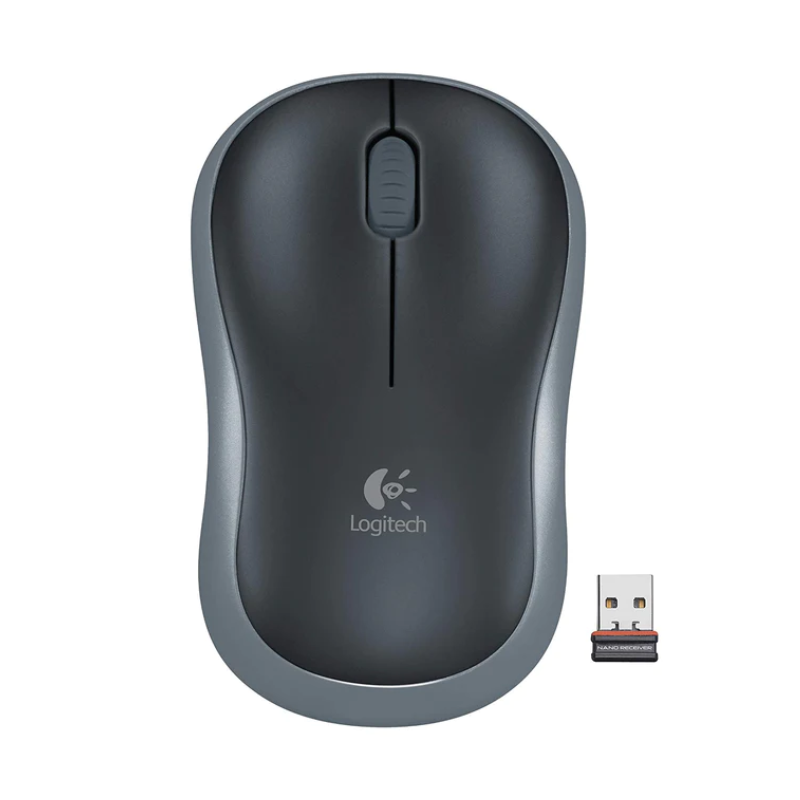
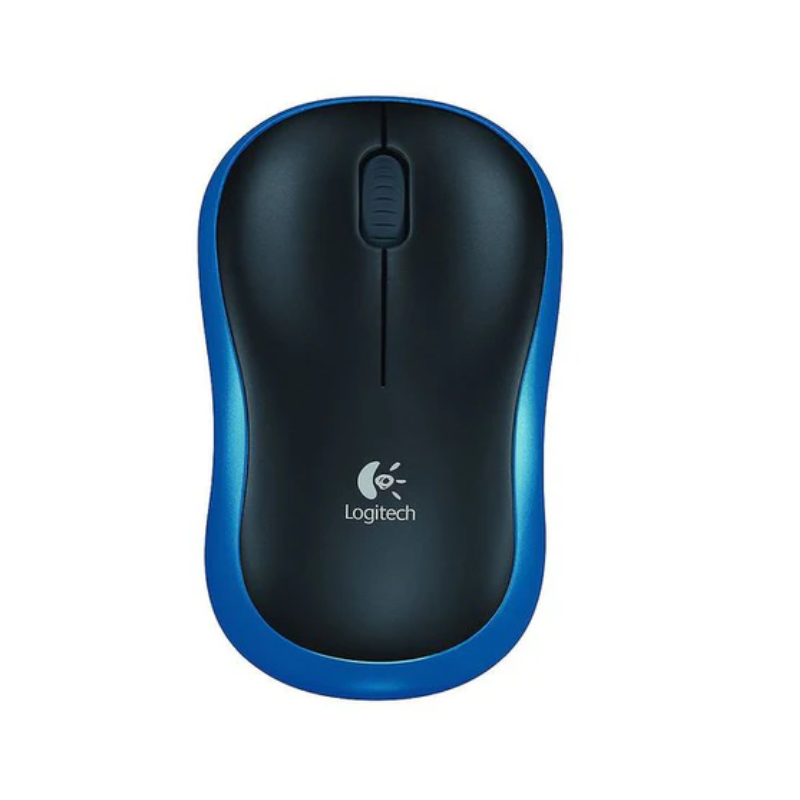
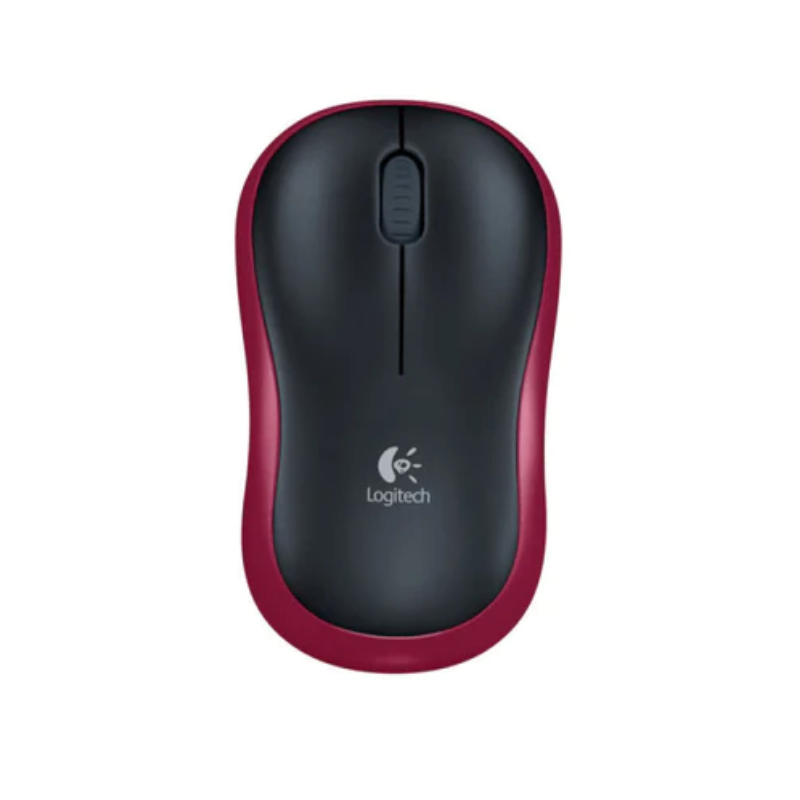
Logitech M185 Wireless Mouse
KSh 1,800.00
Specifications
- Sensor Technology: Advanced Optical Tracking
- DPI (Sensitivity): 1000 DPI
- Connectivity: 2.4 GHz Wireless
- Wireless Range: 10 Meters (33 ft)
- Receiver: Plug-and-Forget Nano USB Receiver
- Battery Life: 12 Months (Approx)
- Battery Type: 1 x AA (Included)
- Buttons: 3 (Left, Right, Middle Click)
- Scroll Wheel: Line-by-line precision scrolling
- Dimensions: 99mm x 60mm x 39mm (Compact & Portable)
- Prices and offers are subject to change without notice.
- Fast Delivery in Nairobi – Within 2 Hours.
- Reliable Nationwide Delivery – Within 24 Hours.
Recommended Accessories
View All

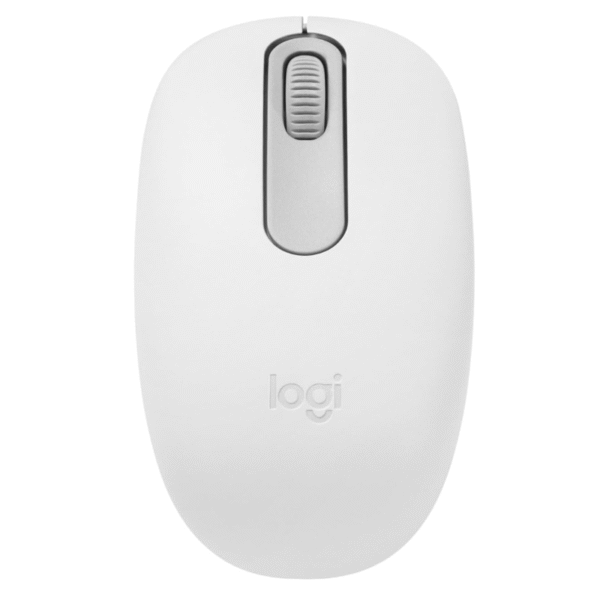
Logitech M196 Bluetooth Mouse
Original price was: KSh 2,200.00.KSh 2,000.00Current price is: KSh 2,000.00.
Add to Cart


Product details
Logitech M185 Wireless Mouse Price in Kenya
The Logitech M185 Wireless Mouse price in Kenya is Ksh 1,800. It is a genuine Logitech peripheral designed to declutter your desk and survive the rigors of daily travel. The M185 is the ultimate “Plug and Forget” tool.
Say goodbye to the frustration of tangled wires knocking over your tea or restricting your movement. The M185 uses advanced 2.4 GHz wireless technology to give you a lag-free connection up to 10 meters away. It connects via a tiny Nano receiver that is so small you can leave it plugged into your laptop’s USB port without worrying about breaking it when you slide your computer into your backpack.
What truly sets the M185 apart is its incredible efficiency. A single AA battery powers this mouse for up to 12 months. That’s a whole year of clicking, scrolling, and navigating without buying a replacement. With its smart sleep mode and On/Off switch, it manages its own power so you don’t have to. Upgrade to the Logitech M185 today at Exelic Gadgets. We offer same-day delivery in Nairobi and secure countrywide shipping via Wells Fargo or G4S.
Why You’ll Love It
- Year-Long Power: The intelligent power management delivers up to 12 months of battery life, so that you save money on batteries and never face a dead mouse during an important presentation.
- Plug-and-Forget Nano Receiver: The USB dongle is microscopic, so that you can keep it plugged into your laptop permanently, preventing you from losing it during your daily commute.
- Lag-Free Wireless: It uses a dedicated 2.4 GHz signal, so that you get the instant response of a wired mouse without the messy cables cluttering your workspace.
- Universal Comfort: The contoured, ambidextrous shape supports your hand naturally, so that both left and right-handed users can work comfortably for hours without wrist strain.
- Any-Surface Tracking: The 1000 DPI optical sensor is rigorous, so that you can work on jeans, a polished cafe table, or a notebook cover without the cursor jumping around.
- Durability You Can Trust: Built with Logitech’s legendary quality standards, so that it survives drops, bumps, and the dusty environments often found in Kenyan offices.
Logitech M185 Specifications
| Feature | Details |
| Product Name | Logitech M185 Wireless Mouse |
| Price in Kenya | Ksh 1,800 |
| Color | Swift Grey / Grey |
| Sensor Resolution | 1000 dpi |
| Wireless Protocol | 2.4 GHz (Advanced) |
| Receiver Type | USB Nano Receiver |
| Battery Life | 12 Months (1 Year) |
| Battery Type | 1 AA Battery (Pre-installed) |
| On/Off Switch | Yes (Bottom of mouse) |
| Hand Orientation | Ambidextrous (Left & Right) |
| System Support | Windows, macOS, Chrome OS, Linux |
| Weight | 75.2g (with battery) |
Deep Dive: The Tech Explained
2.4 GHz Wireless Reliability
Many cheap wireless mice use inferior signals that cut out when you are 2 meters away or if there are other devices nearby. The Logitech M185 uses a robust 2.4 GHz wireless connection. In simple terms, this is a “strong” signal that cuts through interference. Whether you are in a crowded office with 50 other Wi-Fi signals or using your laptop connected to a TV across the room (up to 10 meters), the cursor movement remains smooth and instant. It feels just like using a corded mouse, but without the leash.
The “Plug-and-Forget” Nano Receiver
The USB receiver (dongle) for the M185 is a masterpiece of miniaturization. It protrudes only a few millimeters from your USB port. Why does this matter? For a Kenyan student or professional constantly moving between lecture halls, matatus, and offices, you don’t have to unplug it. If you shoved a standard USB drive into your bag while connected, it would snap off. The Nano receiver is flush enough to stay safe, meaning you are always ready to work the second you open your laptop.
Smart Power Management
How does it last a year on one AA battery? The M185 isn’t just “on” or “off.” It features a Smart Sleep Mode. The moment you stop moving the mouse, it drops into a low-power state. When you pack it away, the physical On/Off switch on the bottom prevents accidental wake-ups in your bag. This efficiency is crucial in Kenya where buying quality alkaline batteries (like Duracell) is an extra cost you want to avoid as much as possible. One battery literally lasts you a year of standard office work.
Ambidextrous Contoured Design
While many portable mice are flat and uncomfortable (like the Apple Magic Mouse), the M185 has a raised curve that fits the palm of your hand. This “hump” provides support that reduces the risk of Carpal Tunnel Syndrome. Furthermore, the design is perfectly symmetrical. If you are left-handed, you don’t need to hunt for a special “lefty” mouse. You simply go into your computer settings, swap the button functions, and the physical shape feels exactly the same.
Advanced Optical Tracking
The 1000 DPI sensor on the M185 is tuned for versatility. It doesn’t need a pristine mousepad. It tracks accurately on the wooden executive desks in Upper Hill, the glass-topped tables in Westlands cafes (mostly), and even on a bedsheet if you are working from home. This adaptability makes it the perfect travel companion for the unpredictable surfaces you encounter when working remotely.
Eco-Friendly Build
Logitech is aggressively moving towards sustainability. The grey plastic parts of the M185 include certified post-consumer recycled plastic. By buying this mouse, you are diverting plastic waste from oceans and landfills and supporting a circular economy. It’s a small purchase that aligns with a greener future.
Who Is This Perfect For?
- The Digital Nomad / Consultant: You work from Artcaffé, Java, and client offices. You hate wires tangling in your laptop bag. You need a mouse that is small, reliable, and ready in seconds.
- The University Student: You are tired of the slow, sticky trackpad on your laptop while writing term papers. You need a budget-friendly wireless mouse that won’t die on you during exam week.
- The Minimalist Desk Setup: You have a clean workspace at home and hate the look of wires snaking across your desk. The M185 Grey blends in perfectly and keeps your setup looking wireless and modern.
Alternatives & Competitors
- Logitech M170: Flatter design, slightly cheaper, less palm support.
- Logitech Pebble M350: Silent clicks and Bluetooth, but costs double (Ksh 3,000+).
Frequently Asked Questions
- Where is the USB receiver? I can’t find it.
- The USB receiver is stored inside the mouse. Open the battery cover on the bottom, and you will see a small slot next to the battery where the receiver is tucked in for safe transport.
- Does this mouse have Bluetooth?
- No, the M185 uses a USB Nano receiver. If you need a Bluetooth mouse (for an iPad or a laptop with no USB-A ports), check out the Logitech M240 or Pebble M350.
- Does it work with MacBooks?
- Yes, absolutely. It works with macOS, Windows, and Linux. Note: If your MacBook only has USB-C ports, you will need a simple USB-C to USB-A adapter to plug in the receiver.
- Is the battery included?
- Yes, the Logitech M185 comes with a pre-installed AA battery, so it works straight out of the box.
- Can I use this for gaming?
- It is great for casual games, but for competitive gaming (like Fortnite or CS:GO), the wireless latency and 1000 DPI might hold you back. We recommend the Logitech G305 for wireless gaming.
Buy the latest mouse in Kenya at Exelic Gadgets.
Customers Reviews
Related products


SaleDeal


There are no reviews yet.