



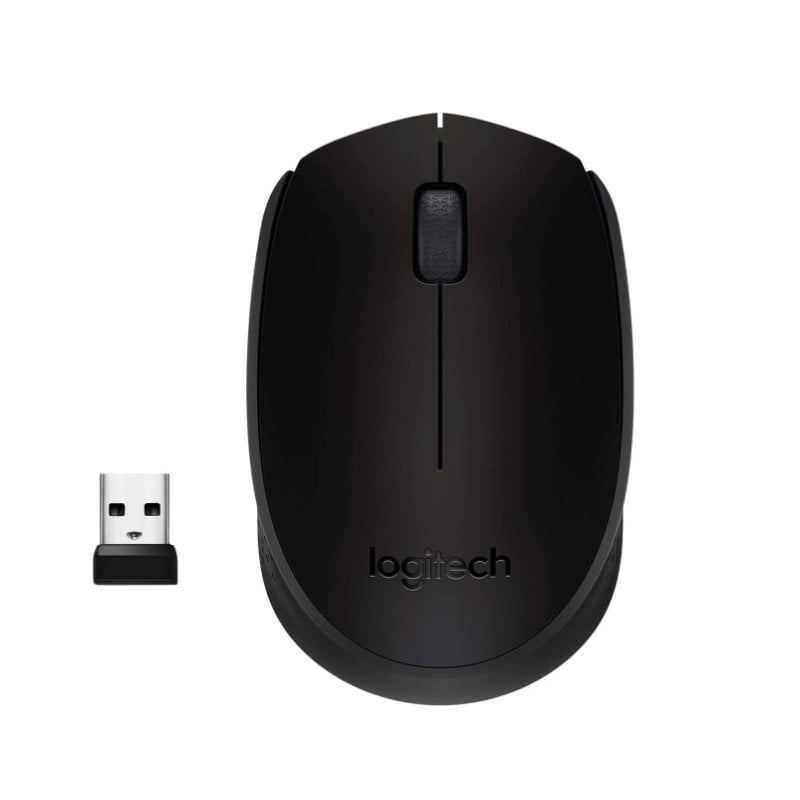
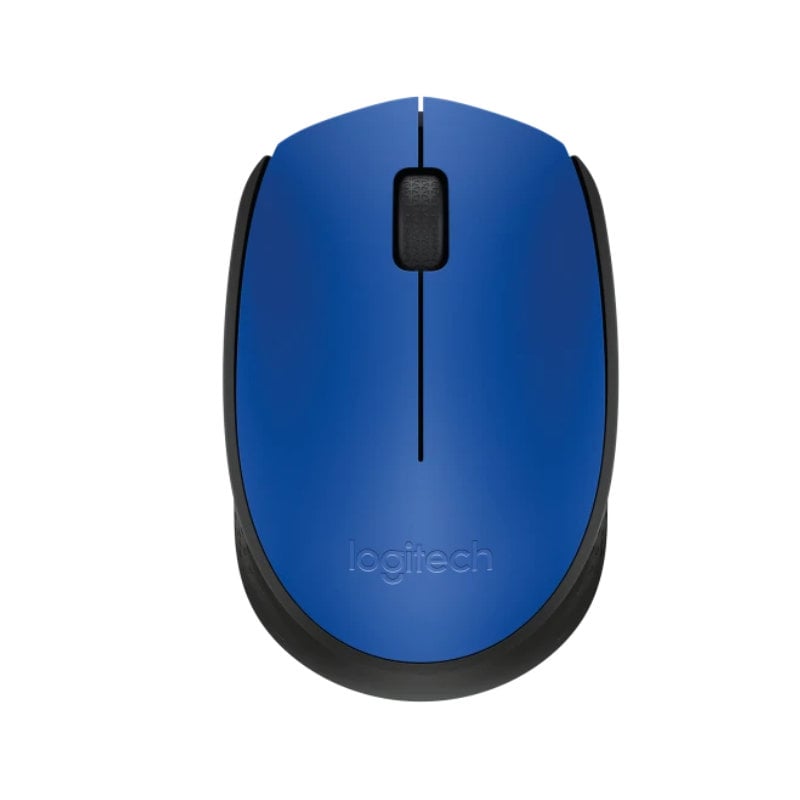

Logitech M171 Wireless Mouse
KSh 1,650.00
Specifications
- Sensor Technology: Smooth Optical Tracking
- DPI (Sensitivity): 1000 DPI
- Connectivity: 2.4 GHz Wirelesz
- Wireless Range: 10 Meters (33 ft)
- Receiver: USB Nano Receiver
- Battery Life: 12 Months
- Battery Type: 1 x AA (Included)
- Buttons: 3 (Left, Right, Middle Click)
- Scroll Wheel: Optical 2D
- Weight: 70.5g (Ultra-lightweight)
- Prices and offers are subject to change without notice.
- Fast Delivery in Nairobi – Within 2 Hours.
- Reliable Nationwide Delivery – Within 24 Hours.
Recommended Accessories
View All
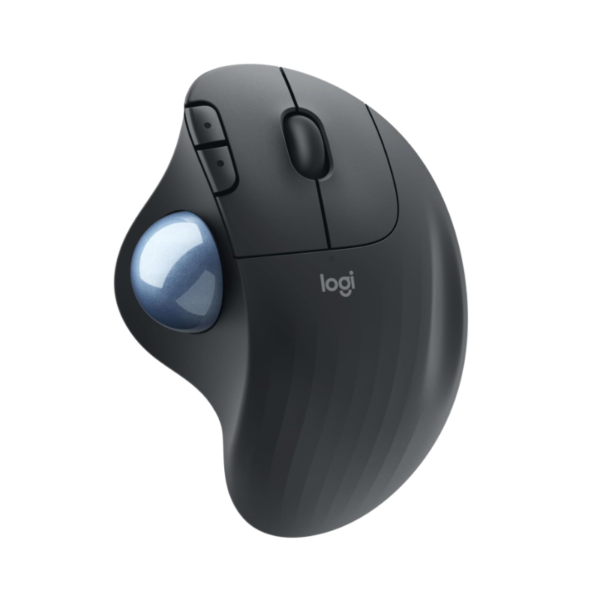


Logitech MX Master 3S
Original price was: KSh 15,000.00.KSh 13,500.00Current price is: KSh 13,500.00.
Add to Cart

Product details
Logitech M171 Price in Kenya
The Logitech M171 Wireless Mouse price in Kenya is Ksh 1,650. This is the modern evolution of the budget mouse—sleek, textured, and incredibly reliable.The M171 offers a refreshing aesthetic upgrade without breaking the bank. It combines the legendary Logitech durability with a stylish, two-tone finish that looks great next to any laptop, from a sleek MacBook Air to a rugged HP ProBook.
Designed for the mobile Kenyan, the M171 is the ultimate “grab-and-go” peripheral. Its compact, ambidextrous shape fits easily into the side pocket of a backpack or a crowded lady’s handbag. Unlike cheaper generic mice that crack under pressure, the M171 is built to withstand the squeeze of a rush-hour and still work perfectly.
Reliability is the core of this device. With a 12-month battery life on a single AA battery, you can forget about power issues for a full year. The robust 2.4 GHz wireless connection ensures you stay connected up to 10 meters away, free from lag or dropouts.
Ditch the frustration of sticky trackpads. Gain precision and freedom today. Buy the Logitech M171 at Exelic Gadgets for immediate delivery in Nairobi or secure shipping via Wells Fargo/G4S to Mombasa, Kisumu, Nakuru, and beyond.
Why You’ll Love It
- Sweat-Resistant Grip: The unique textured pattern on the palm rest provides a secure hold, so that your hand doesn’t slip even during hot afternoons in Mombasa or intense work sessions.
- 12-Month Stamina: Engineered for efficiency, it runs for a year on one battery, so that you aren’t constantly spending Ksh 100 on replacements at the kiosk.
- Zero-Lag Wireless: The 2.4 GHz connection is rock solid, so that you can control your laptop from the couch or during a presentation without the cursor freezing or jumping
- Ambidextrous Design: The symmetrical shape is perfect for both left and right hands, so that you can share it with colleagues or family members without anyone feeling awkward.
- Nano Receiver Storage: The USB dongle slots inside the mouse battery compartment, so that you never lose the tiny receiver when travelling between home and the office.
- Modern Aesthetics: The dual-tone matte finish looks premium, so that your workspace looks professional and organized, unlike the clutter of wired peripherals.
Logitech M171 Specifications
| Feature | Details |
| Product Name | Logitech M171 Wireless Mouse |
| Price in Kenya | Ksh 1,650 |
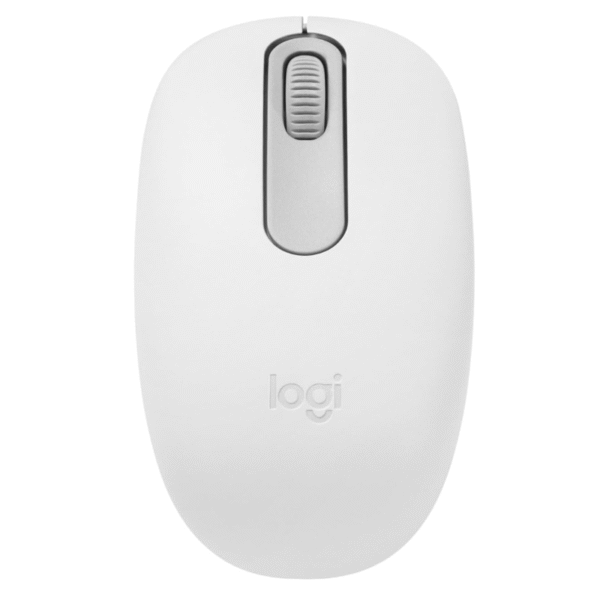
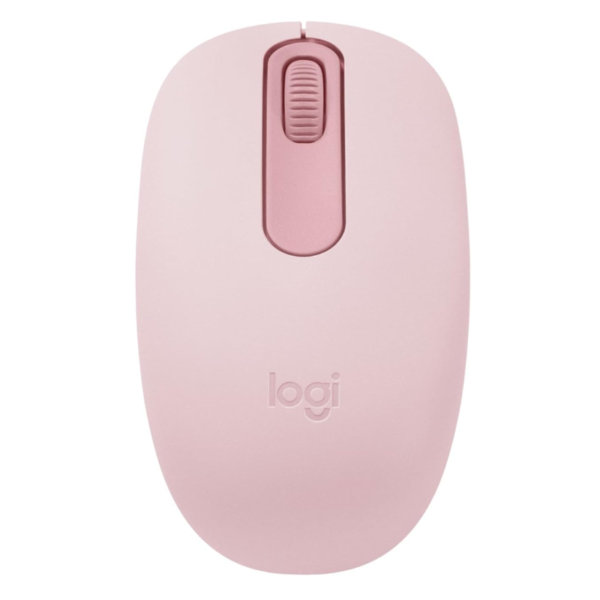
| Colors | Black, Blue/Black, Red/Black |
| Sensor Resolution | 1000 dpi |
| Wireless Protocol | 2.4 GHz (Advanced) |
| Receiver Type | USB Nano Receiver |
| Battery Life | 12 Months |
| Battery Type | 1 AA Battery (Pre-installed) |
| On/Off Switch | Yes (Bottom of mouse) |
| Hand Orientation | Ambidextrous (Left & Right) |
| System Support | Windows, macOS, Chrome OS, Linux |
| Dimensions | 97.7 mm x 61.5 mm x 35.2 mm |
The “Textured” Ergonomic Difference
The first thing you notice about the M171 is the pattern on the top shell. This isn’t just for looks. In a tropical climate like Kenya, smooth plastic mice can become slippery and clammy after hours of use. The M171’s geometric texture allows for airflow between your palm and the device, keeping your grip dry and comfortable. It feels tactile and responsive, giving you better control when dragging files or highlighting text in Excel.
2.4 GHz Wireless vs. Bluetooth
You might ask, “Why use a USB dongle instead of Bluetooth?” The answer is consistency. Bluetooth can sometimes disconnect if your computer’s drivers act up or if there is too much interference. The M171 uses a dedicated 2.4 GHz radio frequency via its USB receiver. This creates a private, invisible “cable” between the mouse and the computer. It is instant. You plug it in, and it works. No pairing codes, no “searching for device,” and absolutely no input lag.
1000 DPI Optical Sensor
The “engine” under the hood is a 1000 DPI optical sensor. This sensitivity is tuned for standard HD screens (1366×768 to 1920×1080), which covers most laptops sold in Kenya. It means you don’t have to sweep your arm across the entire desk just to move the cursor from the Start Menu to the Close button. Small wrist movements translate to accurate cursor travel, saving you energy and desk space.
Intelligent Power Management
The M171 is smart. It doesn’t have a complex “sleep” button you have to press. If you stop moving it for a few minutes, it enters a low-power state. If you leave it overnight, it goes into deep sleep. This is how it squeezes 12 months of life out of a single AA battery. However, for long travel (like a bus ride to upcountry), there is a physical On/Off switch on the bottom to ensure it uses zero power while in your bag.
Universal Compatibility
This mouse is a chameleon. It works with everything. Windows 7/8/10/11? Yes. macOS (MacBooks)? Yes. Linux (Ubuntu/Mint)? Yes. Chrome OS? Yes. The drivers are generic Human Interface Device (HID) standard, meaning you don’t need to download Logitech Options or G-Hub to use the basic functions. It is the definition of “Plug and Play.”
Who Is This Perfect For?
- The Field Researcher / NGO Worker: You are constantly moving between the office and the field. You need a mouse that is light (70g), durable, and has a textured grip that withstands dusty or humid environments.
- The Stylish Student: You care about how your setup looks. You don’t want the boring grey mouse everyone else has. The M171’s modern design and color accents match your vibe while helping you crush your assignments.
- The Small Business Owner: You have limited desk space—maybe just a small corner counter. The M171 is compact and wireless, eliminating cable clutter and leaving you more room for receipts and ledgers.
Alternatives & Competitors
- Logitech M185: The “Classic” version. Smoother shape, slightly larger, same internals.
- Logitech M196:Same size, but with “Silent Click” switches (costs slightly more).
Frequently Asked Questions
- Is the click silent?
- No, the M171 has a standard “click” sound. If you need a silent mouse for a quiet library or office, we recommend the Logitech M220 Silent.
- Does it work with a Smart TV?
- If your Smart TV or Android TV box has a standard USB port, the M171 will almost certainly work as a cursor input device.
- What colors are available?
- In Kenya, we typically stock the All Black, Blue/Black, and Red/Black variations.
- Where is the USB receiver located?
- When you unbox the mouse, if you don’t see the receiver, check inside the battery compartment. It has a dedicated storage slot next to the battery.
- Can I use rechargeable batteries?
- Yes, you can use a rechargeable AA battery, though standard alkaline batteries (like Duracell) are recommended for the longest lifespan (12 months).
Check out more Logitech Mouse on Exelic Gadgets.
Customers Reviews
Related products

There are no reviews yet.