Weight
- Microsoft Surface Arc Mouse
- 82.49 g
- Logitech MX Master 4
- 150 g

Mouse comparison
Compare sensor, connection, battery and comfort.
01Selected 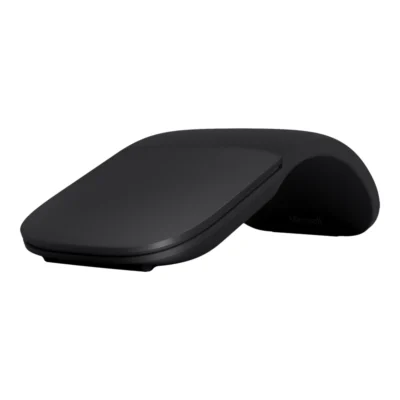 Microsoft Surface Arc Mouse
KSh 18,000In Stock | 02 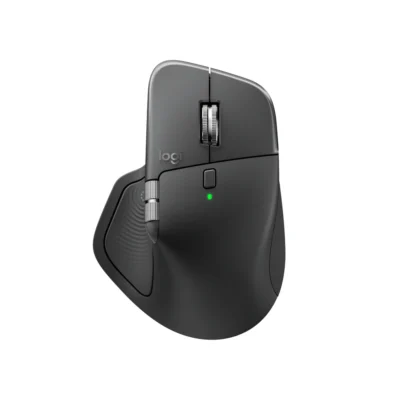 Logitech MX Master 4
KSh 17,500In Stock |
|---|
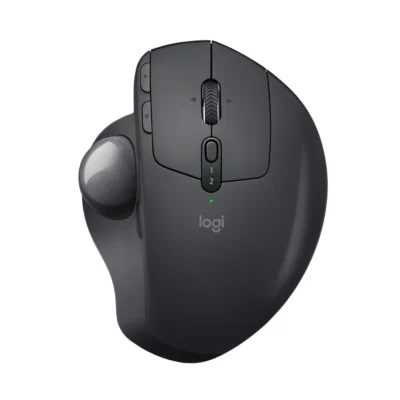
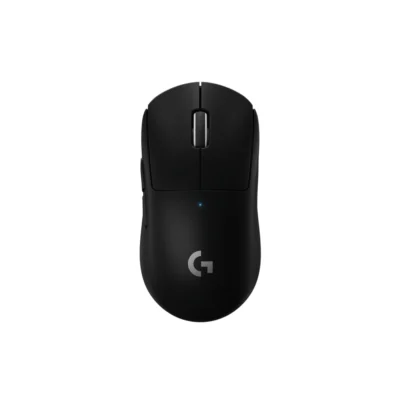
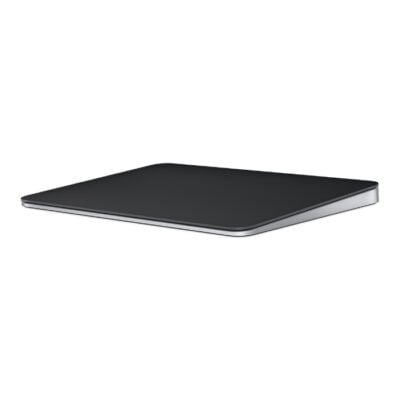
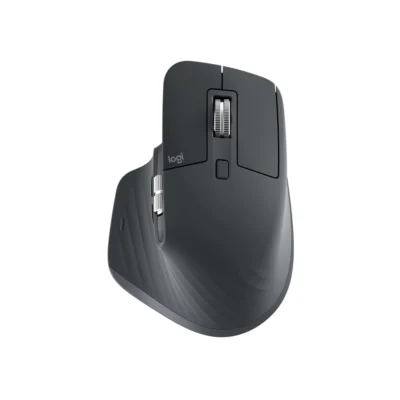
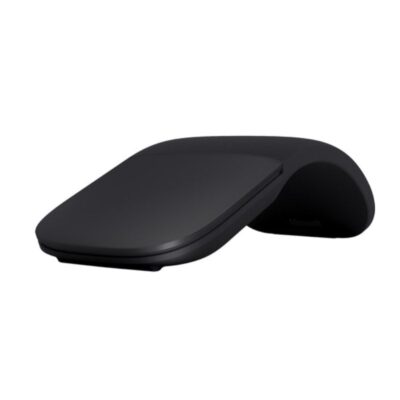
Choose the Microsoft Surface Arc Mouse if you want a lighter build (82.49 g). Choose the Logitech MX Master 4 if you want a lower price (KSh 500 less).
The main differences to help you choose.
| Priority | Microsoft Surface Arc Mouse | Logitech MX Master 4 |
|---|---|---|
| Weight | 82.49 g | 150 g |
| Connections | Bluetooth 4.1 | Bluetooth Low Energy |
| Controls | 2 buttons | 8 buttons |
| Battery life | Up to 6 months of battery life | 650 mAh battery |
| Performance | 1,000 DPI sensor | Darkfield high precision |
| Battery capacity | Battery: 2 × AAA alkaline batteries | 650 mAh battery |
| Sensor technology | Microsoft BlueTrack Technology | Darkfield high precision |
| Type | Bluetooth snap-flat mouse | Ergonomic productivity mouse |
| DPI | 1000 DPI | 200-8000 (can be set in increments of 50 DPI) |
| Scroll wheel | Touch scroll plane | Yes, MagSpeed wheel with smart shift |
Tick a topic above to see how each product answers it.
Explore the full specifications, section by section.
| Specification | Microsoft Surface Arc Mouse | Logitech MX Master 4 |
|---|---|---|
| Brand | Microsoft | Logitech |
| Model | Surface Arc Mouse | MX Master 4 (910-007562) |
| Type | Bluetooth snap-flat mouse | Ergonomic productivity mouse |
| Color | Black; Blue Grey; Pink; Silver; Red | Graphite |
| Announced | — | September 30, 2025 |
| Specification | Microsoft Surface Arc Mouse | Logitech MX Master 4 |
|---|---|---|
| Dimensions | 131 × 55 × 14 mm | 128.15 mm × 88.35 mm × 50.8 mm |
| Weight | 82.49g including batteries | 150 g |
| Specification | Microsoft Surface Arc Mouse | Logitech MX Master 4 |
|---|---|---|
| Connection Type | Wireless Bluetooth | Bluetooth Low Energy or Logi Bolt wireless receiver |
| Bluetooth | 4.1 | Bluetooth Low Energy 5.1 |
| Wireless Range | Up to 10m in open areas; up to 5m in office environments | 10 m |
| Wireless Technology | — | Bluetooth Low Energy |
| Wireless Receiver | — | USB-C Logi Bolt receiver included; also compatible with USB-A Logi Bolt receivers |
| Multi-Device Connection | — | Up to three devices with Easy-Switch |
| Specification | Microsoft Surface Arc Mouse | Logitech MX Master 4 |
|---|---|---|
| Special Features | Snap flat for transport; bend into an arc for use | Actions Ring shortcuts; MagSpeed scrolling; customizable haptic feedback |
| Customization Software | — | Logi Options+ on Windows and macOS |
| Haptic Feedback | — | Customizable Haptic Sense Panel through Logi Options+ |
| Specification | Microsoft Surface Arc Mouse | Logitech MX Master 4 |
|---|---|---|
| Sensor Technology | Microsoft BlueTrack Technology | Darkfield high precision |
| DPI | 1000 DPI | 200-8000 (can be set in increments of 50 DPI) |
| Tracking Speed | Up to 30 inches per second | — |
| DPI Adjustment | — | 200–8,000 DPI in 50-DPI increments |
| Specification | Microsoft Surface Arc Mouse | Logitech MX Master 4 |
|---|---|---|
| Number of Buttons | 2 | 8 |
| Scroll Wheel | Touch scroll plane | Yes, MagSpeed wheel with smart shift |
| Horizontal Scroll | Yes | Yes |
| Gesture Button | — | Yes |
| Thumb Wheel | — | Yes, same as horizontal scroll |
| Specification | Microsoft Surface Arc Mouse | Logitech MX Master 4 |
|---|---|---|
| Battery Type | 2 × AAA alkaline batteries | Rechargeable battery |
| Battery Life | Up to 6 months | Up to 70 days |
| Battery Capacity | — | 650 mAh |
| Charging Port | — | USB-C |
| Specification | Microsoft Surface Arc Mouse | Logitech MX Master 4 |
|---|---|---|
| Windows | Windows 11, 10, 8.1 and 8 with a compatible Bluetooth host | Windows 11 or later over Bluetooth; Windows 10 or later using Logi Bolt |
| Required Port / Connection | Host Bluetooth 4.0 or higher | Bluetooth Low Energy or a suitable USB port for the Logi Bolt receiver |
| macOS | — | macOS 13 or later |
| Other Operating Systems | — | Basic functions: Linux, ChromeOS, iPadOS 15 or later and Android 12 or later |
| Software | — | Logi Options+ is required for haptics, Actions Ring and advanced customization |
| Specification | Microsoft Surface Arc Mouse | Logitech MX Master 4 |
|---|---|---|
| In the Box | Surface Arc Mouse and two AAA batteries | Mouse; USB-C Bolt receiver; User documentation |
These products have the same published specifications.
Choose Microsoft Surface Arc for a lighter build; Logitech MX Master 4 is the cheaper choice if you do not need a lighter build.
Back to compared products ↑Microsoft Surface Arc MouseVSLogitech G502 X LIGHTSPEEDMicrosoft Surface Arc MouseVSLogitech G903Microsoft Surface Arc MouseVSLogitech MX ERGOMicrosoft Surface Arc MouseVSLogitech PRO X SUPERLIGHTApple Magic TrackPadVSMicrosoft Surface Arc MouseMicrosoft Surface Arc MouseVSLogitech MX Master 3SMicrosoft Surface Arc MouseVSMicrosoft Arc Wireless MouseMicrosoft Surface Arc MouseVS Logitech MX Vertical MouseMicrosoft Surface Arc MouseVS
 Logitech G502 Lightspeed Mouse
We are here to serve you